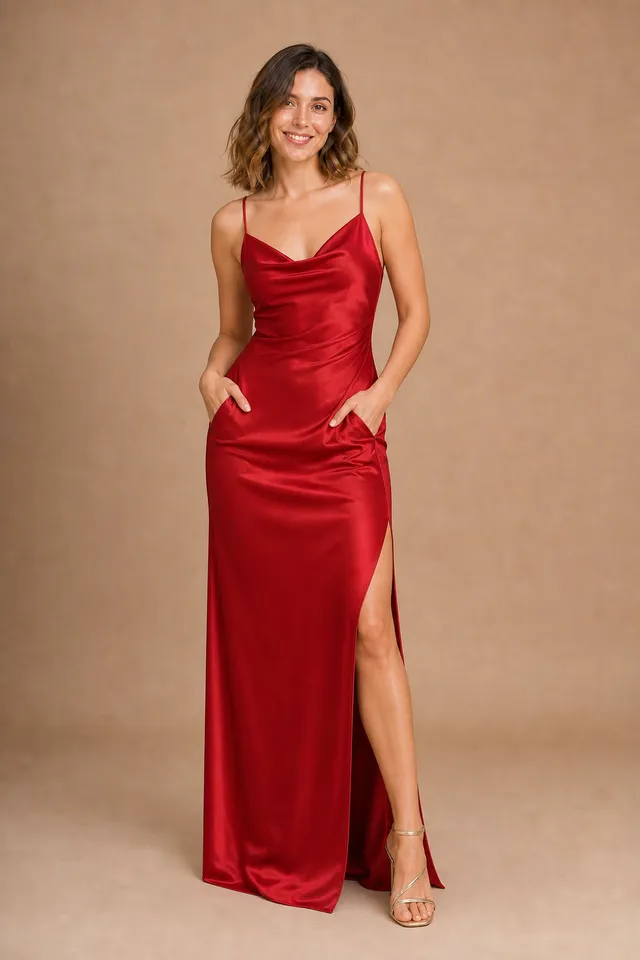
AI Bikini Generator: How Swimwear Virtual Try-On Works
See how an AI bikini generator lets you try on swimwear from one photo — styles, tips for natural results, and how to use it responsibly.
· 2 min read
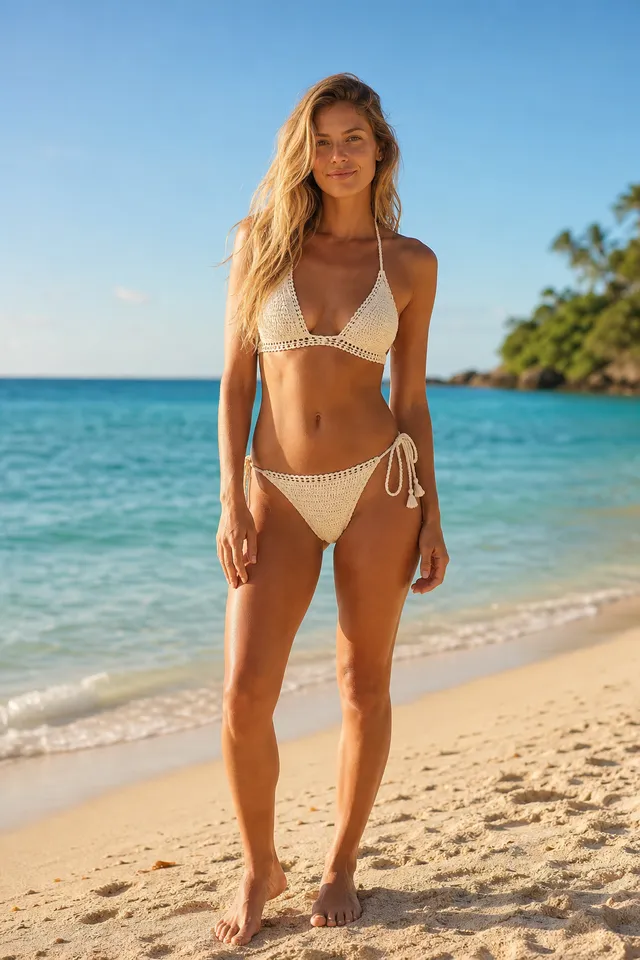
Buying swimwear online is hard: colors look different on screen, cuts fit differently on every body, and returns are a hassle. An AI bikini generator solves this with virtual try-on — upload a photo and see a realistic preview of yourself wearing different bikini styles before you buy.
What is an AI bikini generator?
An AI bikini generator is a virtual try-on tool for swimwear. It takes your photo and replaces the outfit with a bikini, keeping your face, pose, skin tone, background and lighting the same. Good results look like a real photo of you in that swimsuit, with natural fabric texture, seams and fit.
It is also a quick way to explore swimwear design ideas — colors, prints and cuts — on a real body without producing samples.
Bikini styles you can try
The AI Bikini Generator includes 12 curated styles, from timeless to trendy:
- Classics: black triangle, red halter, navy stripe
- Textured & boho: crochet boho, lavender ribbed, pastel ruffle
- Statement prints: tropical high-waist, polka dot retro, gingham tie-front
- Sporty & bold: neon sport, coral one-shoulder, emerald twist
Each style is described in detail — fabric, texture and cut — so the AI renders it consistently on your photo.
How it works
- Upload your own photo. A clear, full-body photo works best.
- Choose a bikini style from the preset gallery, or upload a product photo of a bikini you found online. Only the swimsuit is copied, not the model wearing it.
- Confirm consent — the photo must be of you, or of an adult who has given explicit permission.
- Generate. Your swimwear virtual try-on is ready in about a minute and saved privately to your history.
The AI follows your original body orientation and camera angle: a front-facing photo gets the front of the bikini, while a photo taken from behind shows the back straps and ties.
Tips for natural-looking results
- Use good lighting. Daylight or soft indoor light gives the most realistic skin and fabric.
- Show the whole figure. Full-body photos let the AI fit both top and bottom correctly.
- Keep it simple. Plain backgrounds and relaxed standing poses produce the cleanest results.
- Compare a few styles. Try a classic and a statement print on the same photo to see what suits you.
Responsible use
Swimwear try-on involves real people, so the rules are strict:
- Only upload your own photo, or a photo of someone who has given you explicit consent.
- Everyone pictured must be 18 or older. Images of minors are prohibited.
- Never use results to harass, deceive or embarrass anyone.
Your uploads and results are private to your account and can be deleted at any time.
Try your first bikini look
New accounts get 3 free generations, then credit packs start at $9.90 with no subscription — see pricing. Open the AI Bikini Generator and find your next favorite swimsuit. Want a dress or suit instead? Use the AI Clothes Changer.