7 Photo Tips for Better AI Virtual Try-On Results
Get more realistic AI virtual try-on results with these 7 photo tips — lighting, framing, pose and background advice for outfit and swimwear changes.
· 2 min read
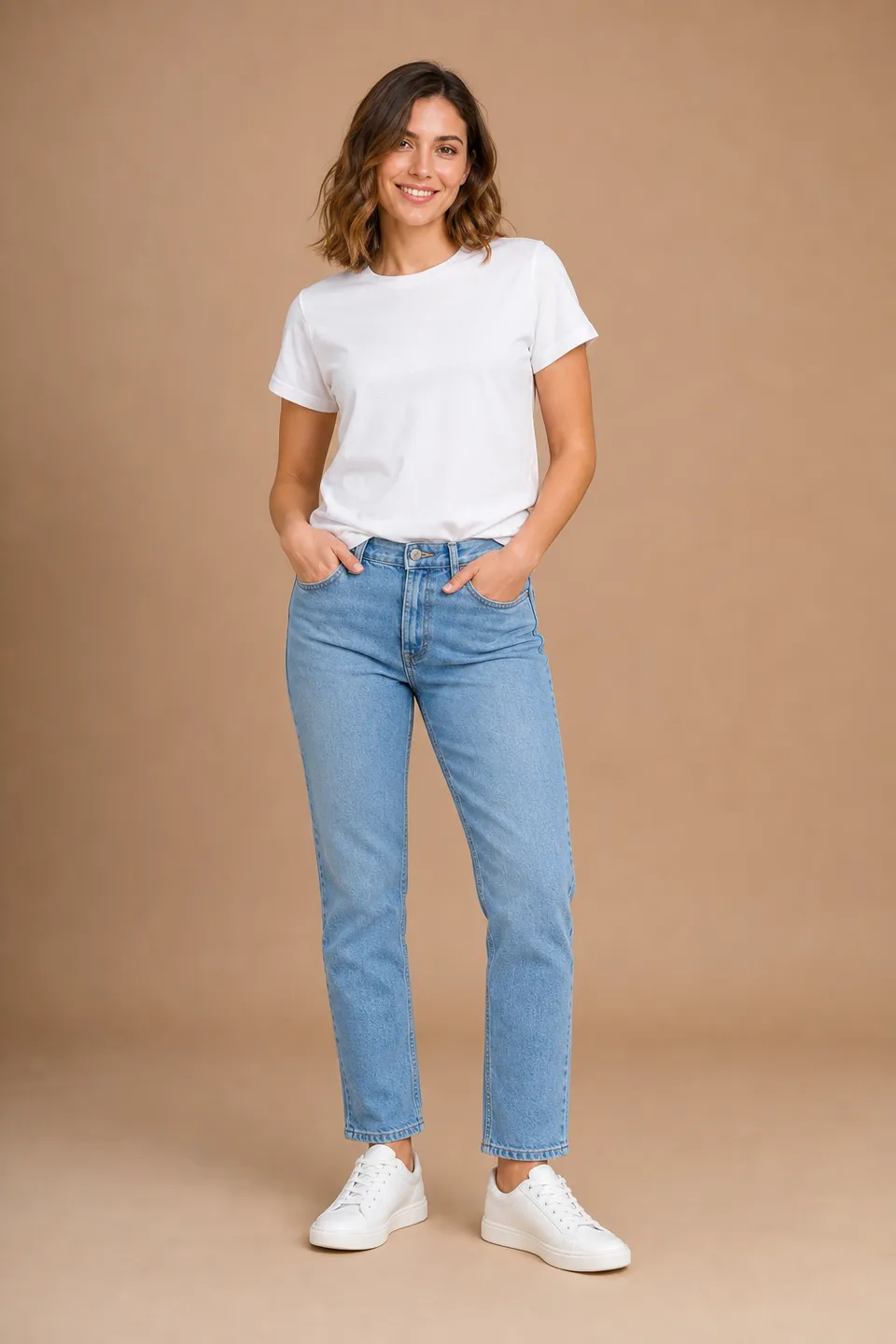
The quality of an AI outfit change depends heavily on the photo you start with. The AI keeps your face, pose, body and background and only redraws the clothes — so a clear, well-framed photo gives it the best possible foundation.
Here are seven practical tips for better results with the AI Clothes Changer and the AI Bikini Generator.
1. Use a full-body or waist-up photo
The AI can only dress what it can see. For dresses, gowns, suits and swimwear, a full-body photo works best. For jackets or tops, a waist-up shot is fine. Very tight close-ups (just the face and shoulders) give the AI too little to work with.
2. Face the camera, or keep the angle simple
Front-facing or slightly angled poses produce the cleanest fit. The AI respects your original body orientation — if you are photographed from the side or from behind, the new outfit is drawn from that same view — but simple poses are always easier to get right.
3. Light it evenly
Soft daylight from a window or an overcast sky is ideal. Avoid harsh shadows across the body, strong backlight and colored party lights, which make fabric and skin tones harder to render realistically.
4. Keep your arms and body visible
Crossed arms, bags, large scarves and heavy coats hide the body shape. Let your arms rest naturally by your sides or on your hips so the AI understands how the new garment should fall.
5. Choose a calm background
A plain wall, a simple room or an open outdoor scene works best. Busy backgrounds with other people can confuse the edit, and group photos should be avoided — use a photo with only you in it.
6. Upload a sharp, decent-resolution image
Blurry, heavily compressed or tiny images lead to soft results. Any recent phone photo is enough; very large photos are automatically resized for fast processing, and you can still download the result in full quality.
7. Pick outfits that suit the framing
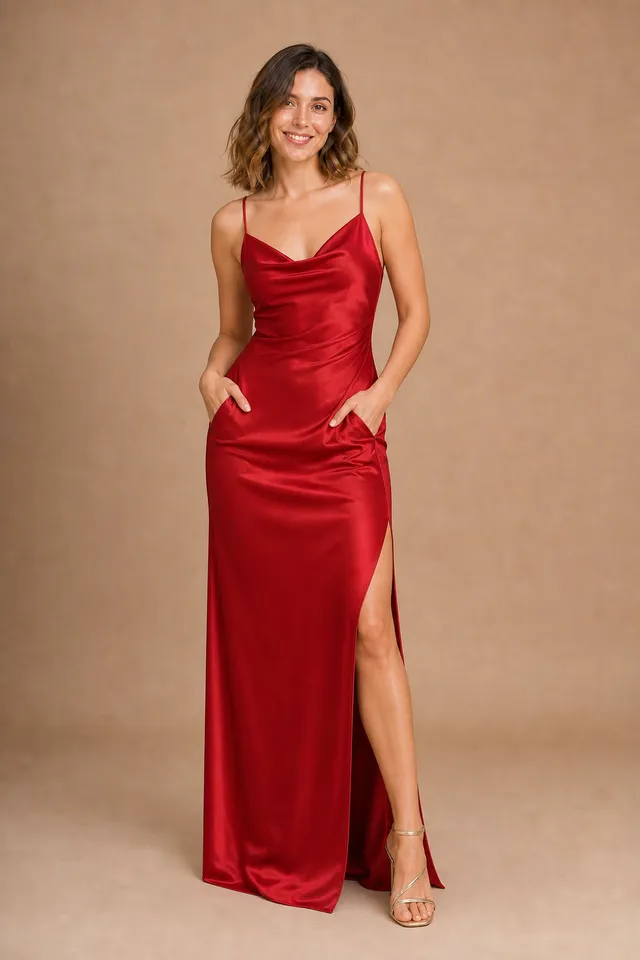
Match the outfit to the photo: a floor-length gown needs your full figure in frame, while a blazer or shirt works on a half-body photo. For your own reference outfits, product photos on a plain background transfer most accurately.
Bonus: only use photos you have the right to use
Always use your own photo, or one you have explicit permission to use — and for swimwear, everyone pictured must be 18 or older.
Ready to try?
With the right photo, results look like they were shot on you. Upload yours to the AI Clothes Changer or the AI Bikini Generator — new accounts get 3 free generations.