Gemini Outfit Change Prompts That Keep Your Face the Same
Copy-paste Gemini outfit change prompts for Nano Banana that keep your face, pose and background, plus when a dedicated AI clothes swap works better.
· 4 min read
Search for "Gemini outfit change prompt" and you'll find hundreds of copy-paste lists, most of them a single line: change my outfit to a red dress. Then the result comes back with a slightly different face, a new background or a different pose, and you're left guessing which word caused it.
Nano Banana, Gemini's image model, can change clothes well. Where these one-liners go wrong is that they only say what to change and never say what to keep.
The prompts below come from the one our own AI Clothes Changer sends to its model on every generation. We're sharing the structure because it works in Gemini too.
The structure: keep, change, fit
A reliable outfit change prompt has three parts, in this order:
- Keep. Spell out everything that must stay the same. Models change whatever you leave unmentioned.
- Change. Describe the new garment like a product listing: cut, color, fabric, length.
- Fit. Tell the model to follow the original pose and camera angle, so the clothes match the body instead of the body changing to fit the clothes.
Here is the "keep" block we use, word for word:
Keep the exact same person from the first image: same face, identity,
skin tone, hairstyle, body shape, pose, expression, camera angle,
background and lighting. Only replace the clothing.
And the "fit" block:
The new outfit follows the exact same pose, body orientation and camera
angle as the original photo.
We intentionally avoid naming views in the fit block. If the prompt mentions a "back view" or "side view", models tend to draw one even when the photo is front-facing. Keeping the wording neutral avoids that.
Copy-paste Gemini outfit change prompts
Upload your photo to Gemini, then paste one of these. Swap the garment description for whatever you want.
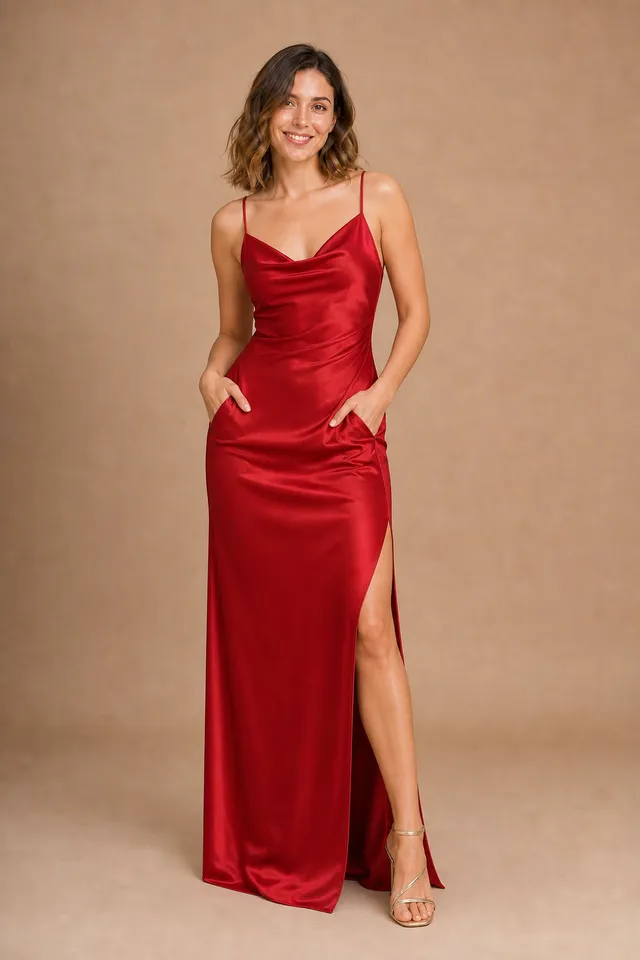
Evening gown
Keep the exact same person: same face, identity, skin tone, hairstyle,
body shape, pose, expression, camera angle, background and lighting.
Only replace the clothing. Dress the person in a floor-length red satin
evening gown with thin straps and a side slit. The new outfit follows
the exact same pose, body orientation and camera angle as the original
photo. Photorealistic, natural fabric drape, realistic fit.
Business suit
Keep the exact same person: same face, identity, skin tone, hairstyle,
body shape, pose, expression, camera angle, background and lighting.
Only replace the clothing. Dress the person in a tailored navy two-piece
business suit with a white shirt and a slim tie. The new outfit follows
the exact same pose, body orientation and camera angle as the original
photo. Photorealistic, natural fabric drape, realistic fit.
Fall look
Keep the exact same person: same face, identity, skin tone, hairstyle,
body shape, pose, expression, camera angle, background and lighting.
Only replace the clothing. Dress the person in a burgundy funnel-neck
wool coat over a cream knit and a brown leather midi pencil skirt.
The new outfit follows the exact same pose, body orientation and camera
angle as the original photo. Photorealistic, natural fabric drape.
Outfit from a second image
Upload two images: your photo first, then the outfit.
Keep the exact same person from the first image: same face, identity,
skin tone, hairstyle, body shape, pose, expression, camera angle,
background and lighting. Only replace the clothing. Dress the person in
the outfit shown in the second image, matching its cut, color, fabric,
pattern and details exactly. Ignore the person, pose and background in
the second image.
Don't drop the last sentence. It tells the model the second image is only a source for the clothes, not for the person wearing them.
When Gemini is the wrong tool
Prompting Gemini is free, and for a one-off edit it's fine. It gets tedious if you're doing this often:
- You retype the prompt every time. Our presets bake the full prompt in. You pick a look and click.
- Chat history drifts. Ask for a second outfit in the same Gemini conversation and earlier edits can carry over. Starting a new chat each time solves it, but that's one more step.
- No side-by-side. Comparing five outfits means scrolling through a chat. The clothes changer keeps every result in a private history.
For outfit-from-image swaps in particular, the AI Clothes Swap runs the second-image prompt above for you. Upload your photo, upload the outfit and click once. New accounts get 3 free generations, and after that credit packs start at $9.90 (pricing).
Whichever you use, the photo matters as much as the prompt. Our photo tips for virtual try-on cover framing, light and pose.